Tiles Layer
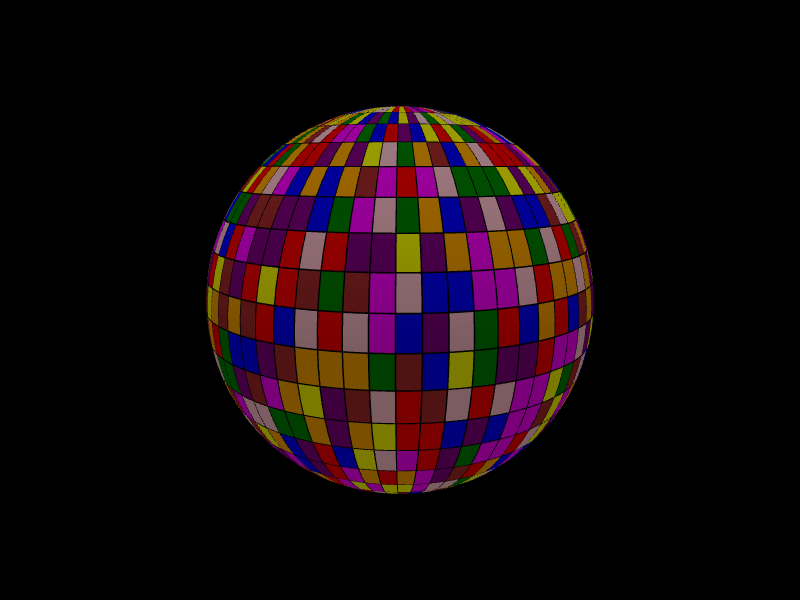
The tiles layer places flat, rectangular tiles tangent to the surface, each with
its own three.js material. Each tile is a TileDatum, and materials are described
by GlobeMaterialSpec.
from IPython.display import display

from pyglobegl import (
    GlobeConfig,
    GlobeMaterialSpec,
    GlobeWidget,
    TileDatum,
    TilesLayerConfig,
)

tiles = [
    TileDatum(
        lat=0,
        lng=0,
        width=10,
        height=10,
        material=GlobeMaterialSpec(
            type="MeshLambertMaterial",
            params={"color": "#66ccff", "opacity": 0.6, "transparent": True},
        ),
    )
]

config = GlobeConfig(tiles=TilesLayerConfig(tiles_data=tiles))

display(GlobeWidget(config=config))
TileDatum and GlobeMaterialSpec
TileDatum—lat,lng,width,height(in degrees),altitude, rotation, and amaterial.GlobeMaterialSpec— a three.js materialtype(for exampleMeshLambertMaterial) and aparamsdict forwarded to that material's constructor.
Custom tooltip
TileDatum.label is each tile's hover tooltip. To compute one from the datum or
share a constant across the layer, set a layer-level tile_label — a
frontend Python callback (datum → string),
a plain string (one tooltip for every tile), or None (the default) to use each
datum's label. Swap it at runtime with GlobeWidget.set_tile_label(...).
From a GeoDataFrame
tiles_from_gdf builds tiles from point geometries with width / height
columns. See GeoPandas helpers.